
The Challenge
Frontend Delivery Hit a Ceiling
The team had a robust design system, but implementation still relied on manual handoff and interpretation. View-layer delivery speed became the bottleneck.

01
Implementation Lag
Even with a mature design system, engineers still spent days translating polished Figma screens into production-ready React views.
02
Visual Regression
Small spacing and alignment mistakes repeatedly slipped into releases because implementation depended on manual interpretation.
03
Rigid Theming
The product was dark-first, but the architecture was not ready for scalable theming, making future light mode support costly.
The Solution
A Semi-Automated Design-to-Code Pipeline
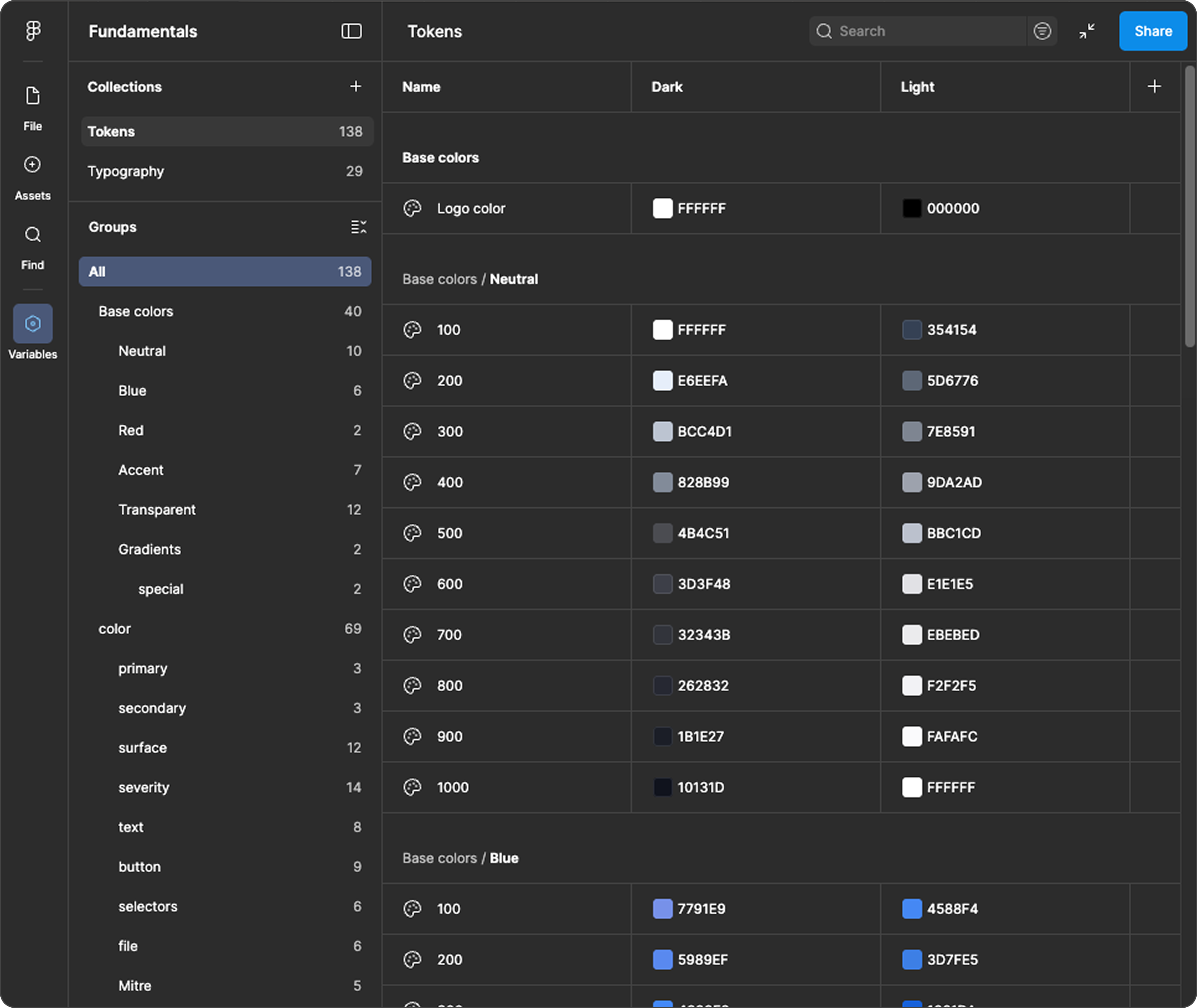
I connected Figma and Cursor through MCP, then constrained generation through strict repository rules and an automated test feedback loop.
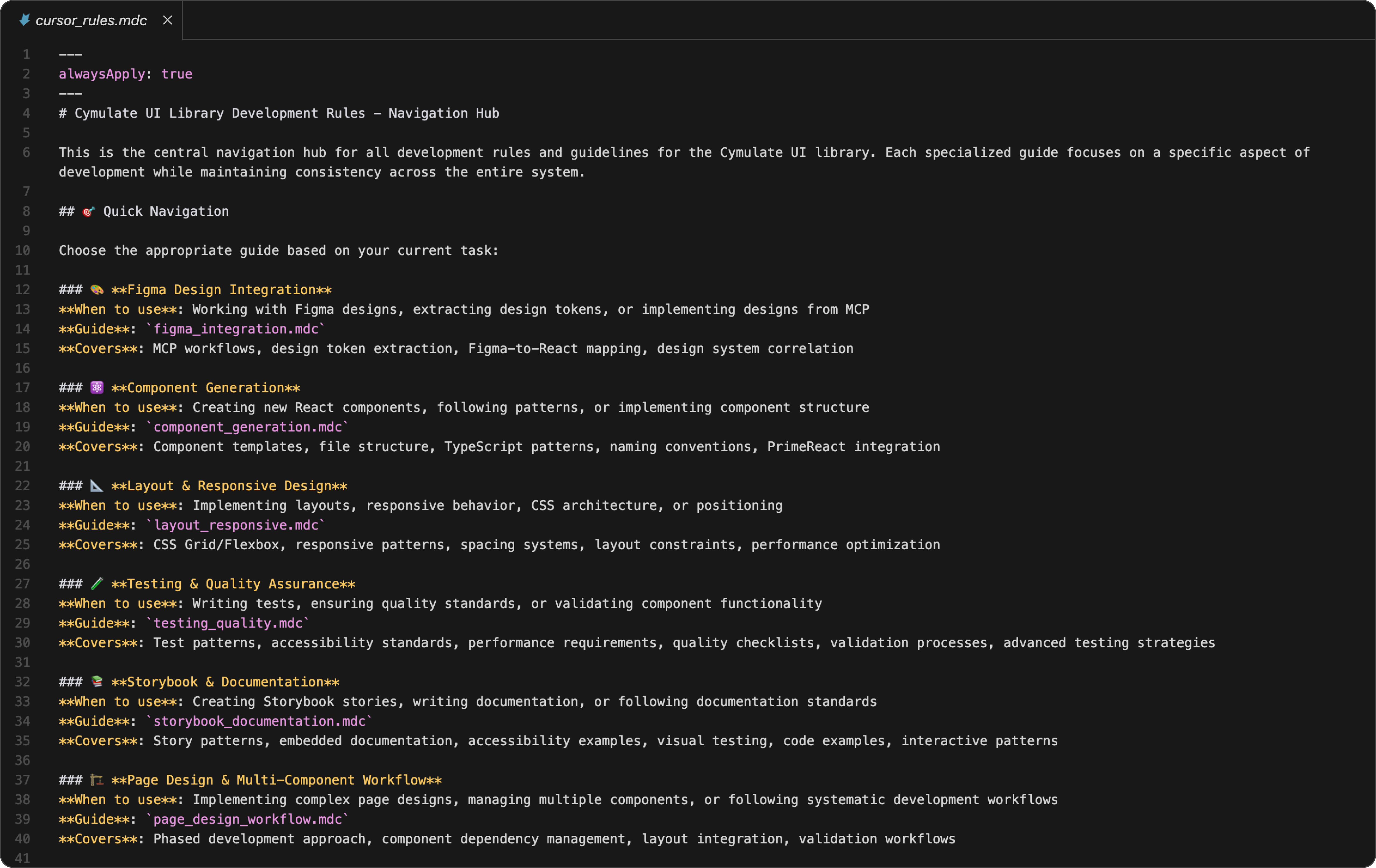
Rule Engine
Constraint-Driven Code Generation
The rules index enforces component structure, token usage, and layout patterns so outputs remain consistent with design-system standards.
- Mapped design patterns to predefined layout components.
- Prevented hardcoded values and one-off CSS behavior.
- Kept generated code aligned with team conventions.

01
Figma MCP Connection
Cursor agents read design structure directly from Figma, reducing manual inspection and preserving design intent in the generated output.
02
Hand-Crafted Rule Engine
Repository rules force layout primitives, token usage, and component-level architecture so generated code stays consistent with product standards.
03
Auto Testing Loop
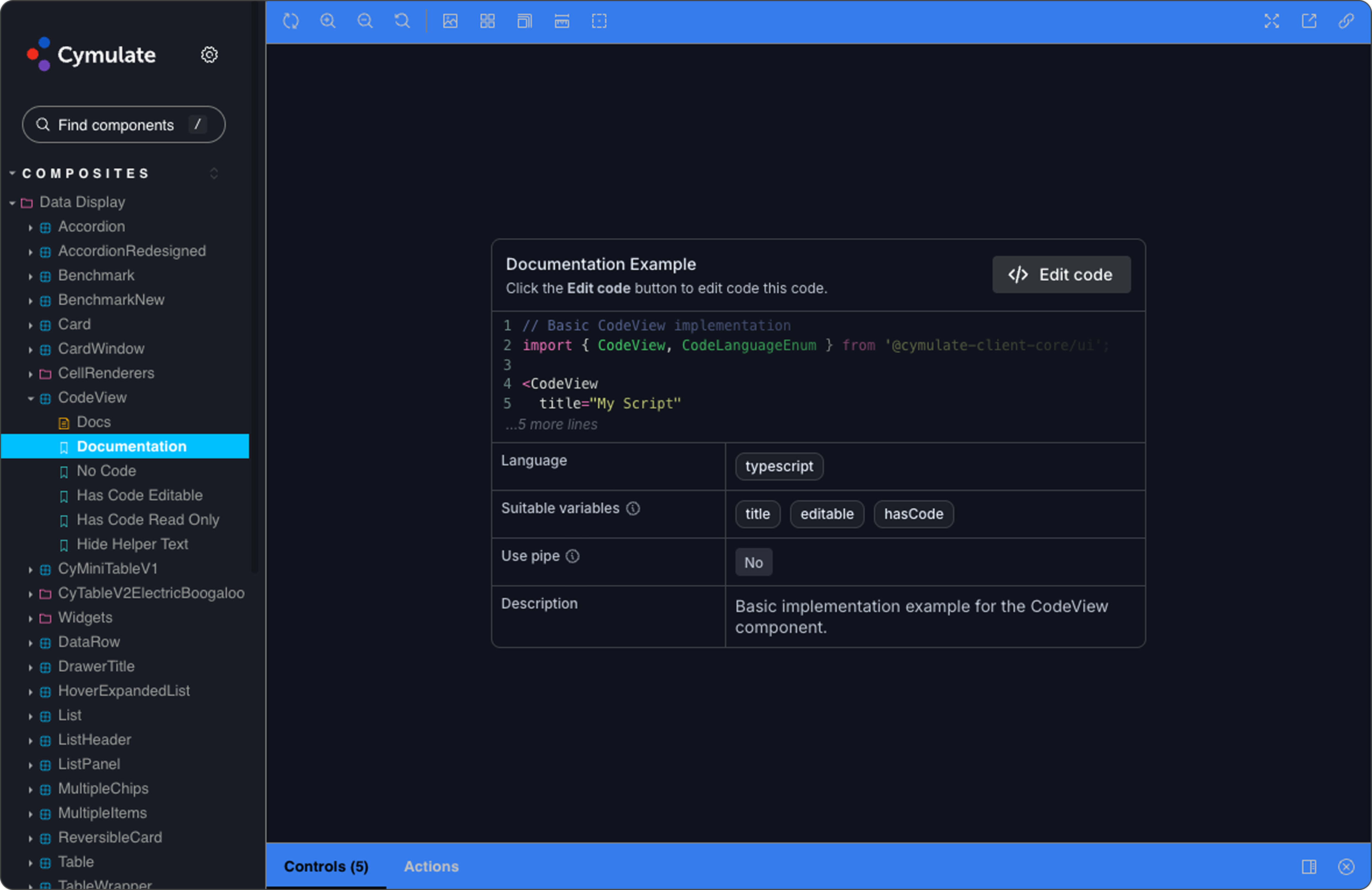
Each generated view includes tests and an immediate correction loop, which helps catch regressions before the implementation reaches review.
The Workflow
From Figma Frame to Production UI in Minutes
The process keeps developers in control while removing repetitive translation work.

01
Select
Developer selects the target frame in Figma.
02
Context
They pass the frame link and Jira PRD context into Cursor.
03
Generate
The agent resolves the correct structure from rules and produces code plus tests.
04
Review
Engineers validate business logic and ship with significantly less view-layer overhead.
The Impact
Velocity Up, Quality Up
By automating the translation layer, the team shifted focus to state management, APIs, and business logic instead of rebuilding UI structure.

70-75%
Faster frontend delivery
3-4d -> 1d
Typical feature UI implementation time
Higher
Visual fidelity and spacing consistency
Role & Scope
Design Lead Driving the System End-to-End
I led the process design and rule architecture with engineering and QA partners, making the AI output production-usable rather than purely suggestive.
Team: Design Lead, Tech Lead, QA
This system was effective because it combined direct design-source access with hard architectural constraints. AI alone was not enough; the reliability came from the rules and guardrails.
The result was a repeatable workflow where design intent survives implementation, review cycles shorten, and engineering effort shifts to higher-leverage work.